
Home Office Lighting Design: How to Create a Productive and Comfortable Workspace
Introduction
A proper home office lighting setup is one of the most important factors affecting productivity, eye comfort, and long-term work efficiency.
Most users focus on desks and monitors but ignore lighting, which leads to:
- Eye strain during long working hours
- Screen glare and reflections
- Poor concentration
- Uneven desk visibility
This guide explains the best home office lighting setup, including lux levels, desk lamp placement, color temperature, and glare control based on real workspace lighting engineering principles.
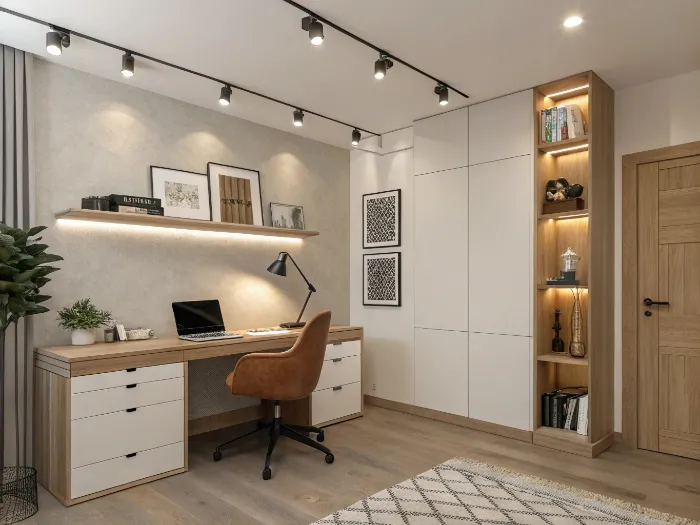
Example of layered lighting design in a modern home office workspace
Best Home Office Lighting Setup (Quick Answer)
For most home office environments, the optimal lighting setup includes:
- Ambient lighting for overall room brightness
- Task lighting for desk-focused work
- Optional accent lighting for visual balance
Recommended settings:
- Desk brightness: 300–500 lux
- Temperatura de color: 3500K–4000K
- Lighting system: layered lighting design
- Lamp position: side-mounted desk lighting (not front-facing)
This setup improves visibility, reduces eye strain, and stabilizes screen contrast.
👉 Related guide:
https://ies.org/?s=Illuminating+Engineering+Society+lighting+standards
Why Home Office Lighting Matters
Poor lighting design affects both physical comfort and work performance.
Common issues include:
- Inconsistent brightness across the workspace
- Excessive contrast between screen and environment
- Improper desk lamp positioning
- Fatigue caused by glare or shadows
Lighting is not just visual comfort — it directly impacts productivity and long-term eye health.
👉 According to lighting engineering standards (IES):
https://www.en-standard.eu/search/?q=lighting+engineering+standards
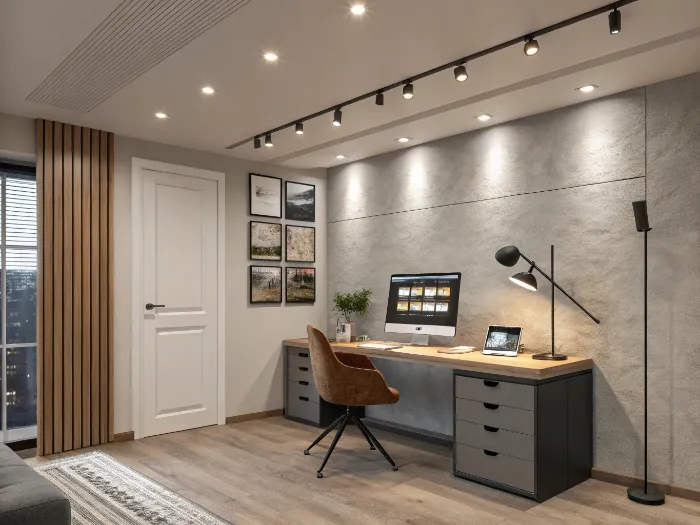
Correct desk lamp placement reduces glare and improves task visibility
What is the Best Lux Level for Home Office?
Lux measures the amount of light on a surface (not bulb power).
Recommended lux levels:
- Ambient lighting: 150–300 lux
- Desk work lighting: 300–500 lux
- Detailed tasks: 500+ lux
The most important area is the desk surface, not the room ceiling.
👉 Internal standard reference:
https://www.en-standard.eu/bs-en-12464-1-2021-light-and-lighting-lighting-of-work-places-indoor-work-places/
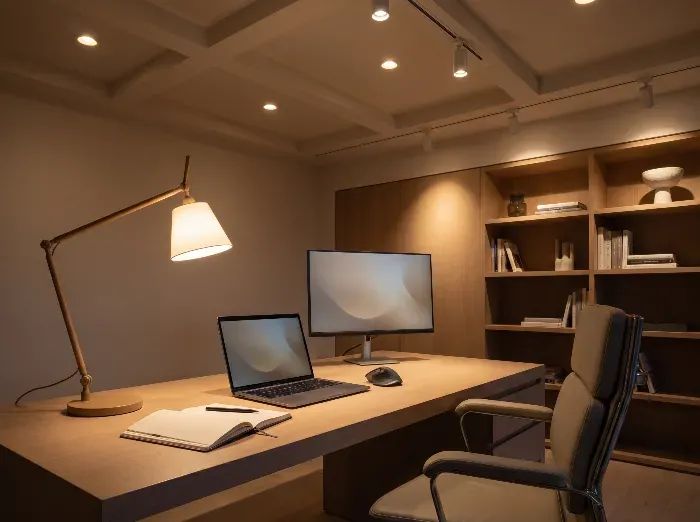
Proper lux distribution across a home office desk surface
Best Desk Lamp Position (Critical for Eye Comfort)
Incorrect lamp placement is one of the main causes of eye strain.
Correct setup:
- Place lamp on the side of your dominant hand
- Right-handed → lamp on left side
- Left-handed → lamp on right side
- Direct light only on desk surface
Avoid:
- Light facing monitor
- Lamp behind screen
- Direct beam into eyes
Proper positioning reduces shadows and improves visual clarity.
👉 Eye strain & visual ergonomics reference:
https://www.who.int/news-room/fact-sheets/detail/blindness-and-visual-impairment
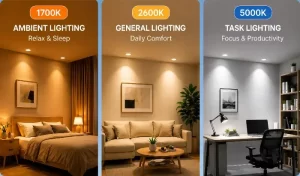
Best Color Temperature for Home Office Lighting
Color temperature affects alertness, focus, and comfort.
Recommended range:
- 3000K → warm, relaxed environment
- 3500K–4000K → optimal productivity range
- 5000K+ → very bright but visually harsh
Best choice:
👉 3500K–4000K
Common Home Office Lighting Mistakes
Many lighting problems come from poor layout rather than equipment.
Frequent mistakes:
- Using only one ceiling light
- Facing desk toward window glare
- Ignoring monitor reflections
- Overly warm lighting during daytime work
- Uneven room brightness distribution
- Mixing different color temperatures
👉 Lighting design best practices reference:
https://www.archdaily.com/tag/lighting-design
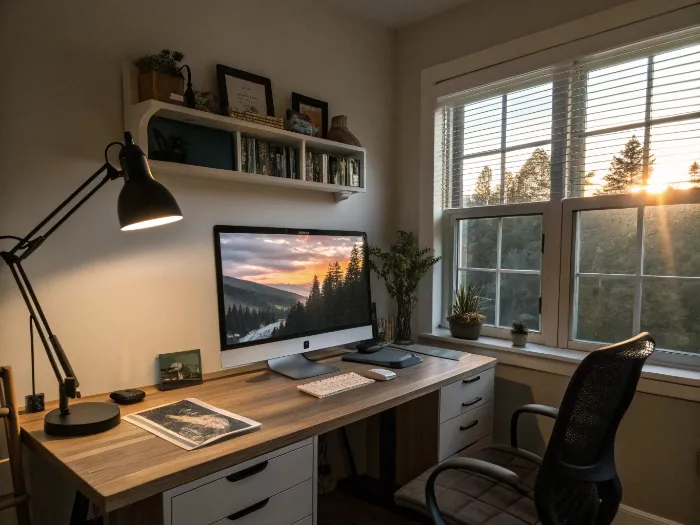
Common lighting mistakes causing glare, shadows, and eye strain
Best Home Office Lighting Layout (Recommended)
A functional lighting layout should follow these principles:
- Ceiling light provides ambient illumination
- Desk lamp provides focused task lighting
- Background lighting improves visual balance
- Monitor placed perpendicular to windows
Layout goal:
👉 Separate ambient, task, and screen zones
This prevents glare and reduces eye fatigue.
👉 Workspace ergonomics reference:
https://www.osha.gov/ergonomics
Home Office Lighting ROI (Why It Matters)
Good lighting design improves:
- Work efficiency
- Visual comfort
- Screen readability
- Long-term productivity
Poor lighting increases:
- Eye fatigue
- Reading/writing mistakes
- Reduced focus over time
Lighting is a low-cost but high-impact upgrade for any workspace.
Health Considerations
Prolonged exposure to poor lighting conditions may contribute to eye strain and fatigue.
Occupational health research confirms that proper visual ergonomics significantly reduces fatigue in computer-based work environments.
👉 Reference: https://www.cdc.gov/niosh/topics/ergonomics/
Conclusión
The best home office lighting setup is not about brightness alone, but about:
- Balanced layered lighting
- Correct lux levels
- Proper lamp positioning
Key takeaways:
- Use 300–500 lux at the desk
- Choose 3500K–4000K color temperature
- Use layered lighting (ambient + task)
- Avoid monitor glare
- Position desk lamp on the side



 English
  French
  German
  Italian
  Spanish
  Portuguese
  Arabic
  Russian
  Japanese
  Chinese